- Confirmed Achiever
- Posts
- Confirmed Achiever – July 10, 2025
Confirmed Achiever – July 10, 2025

David Radin
July 10, 2025
Thanks for subscribing to Confirmed Achiever. Please share this with your friends so they can subscribe too!

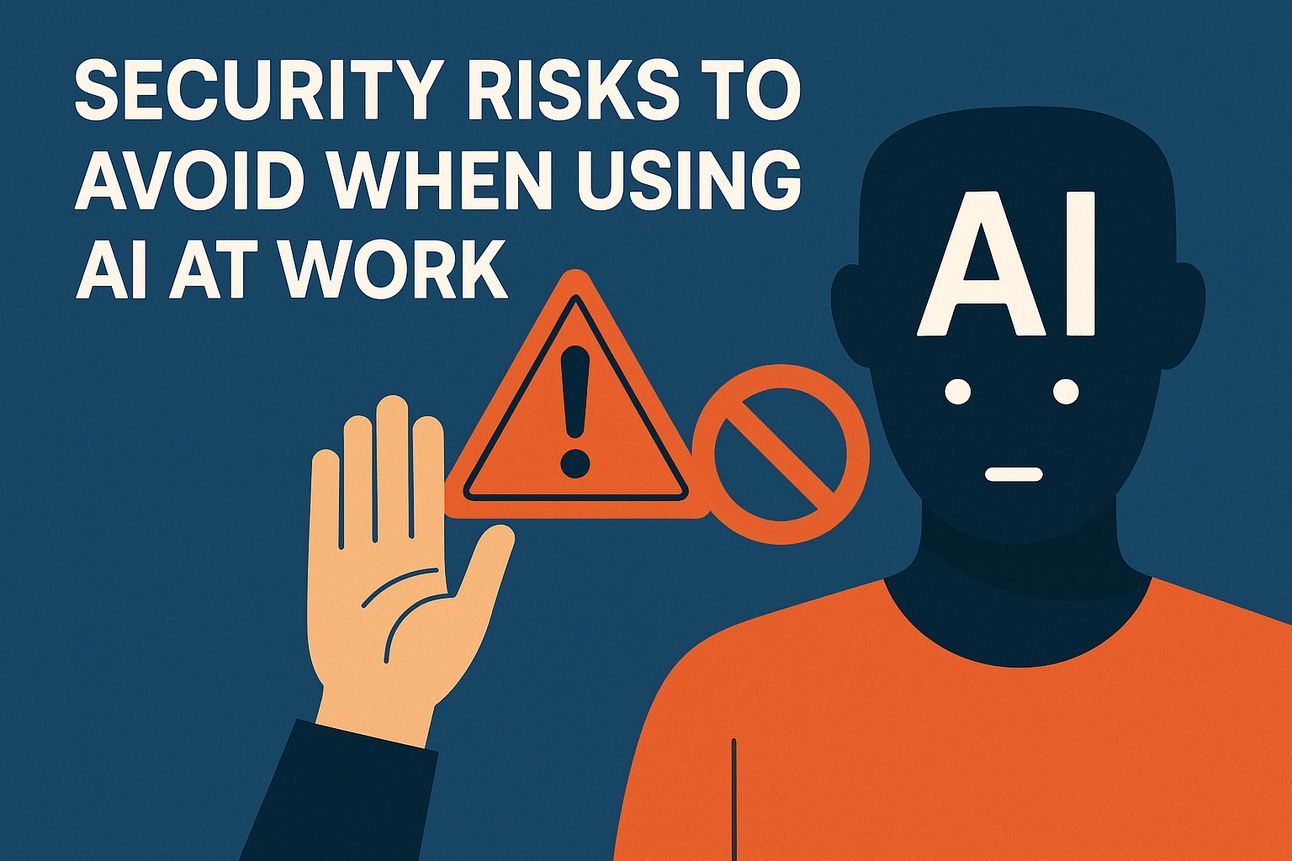
Security risks to avoid when using AI at work
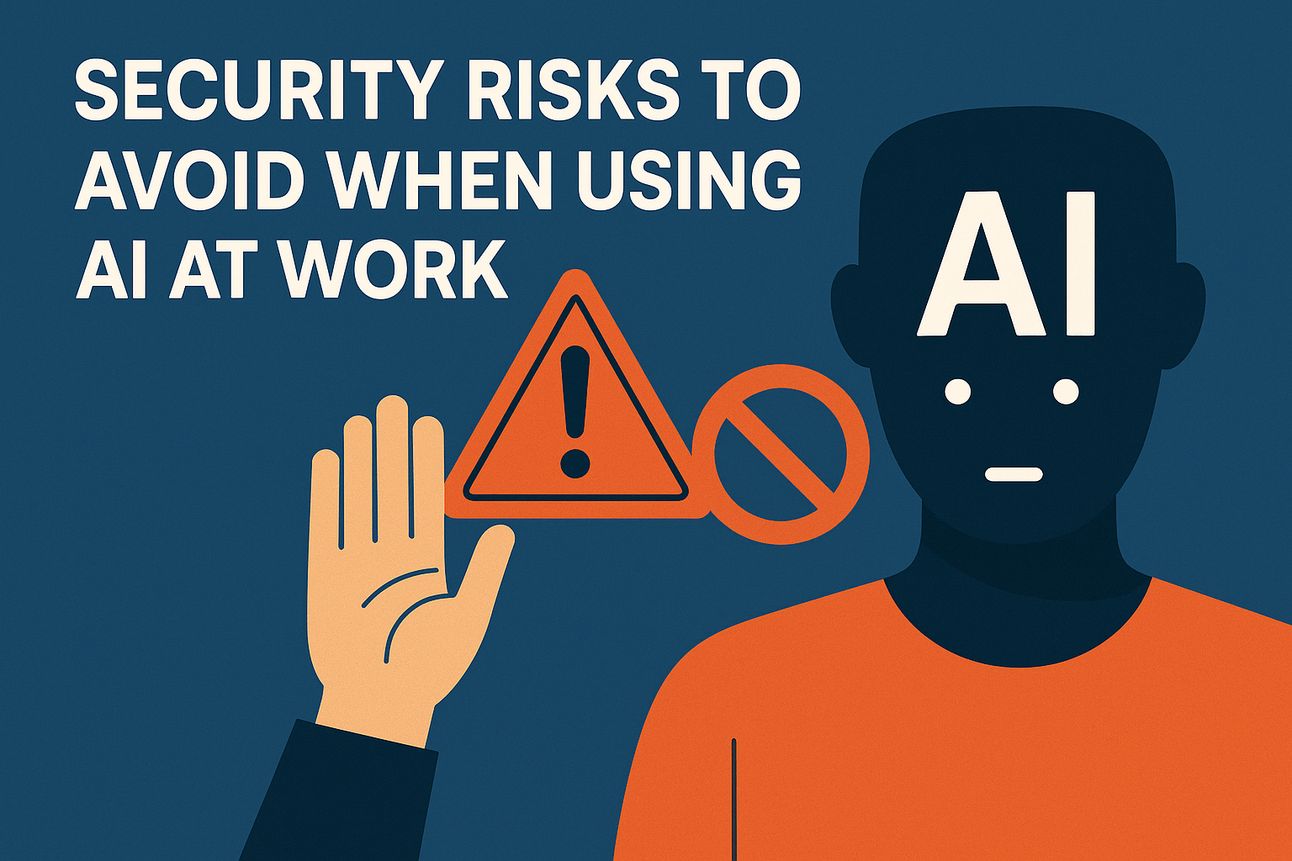
Artificial intelligence is becoming part of our daily lives, from chatbots that answer questions to tools that help us write emails or create pictures. But just because AI feels helpful and friendly doesn’t mean you should trust it with everything.
One important rule is to never share private information like your Social Security number, credit card details, or passwords. Even if the AI says it needs that information, don’t give it out. Some systems keep what you type to train and improve the AI, so what you share might end up being seen by developers or even misused if the system is hacked.
Another thing to watch out for is that AI doesn’t always tell the truth. Sometimes, it can make up facts or give you outdated or wrong information without warning you. This is called a “hallucination,” and it happens more often than you might think. If you’re using AI to help with important decisions—like medical questions, financial plans, or legal advice—always double-check what it tells you by looking it up yourself or asking a professional. Think of AI as a helpful tool, not an all-knowing expert.
Importantly, be careful about links or files AI tools suggest you click or download. Cybercriminals sometimes trick people by using AI to send fake messages that look very real. If something feels strange, too good to be true, or asks you to act fast, pause before you click. Take time to look it up or ask someone you trust. By staying alert and thinking before you share or click, you can enjoy the benefits of AI without putting yourself or your information at risk.
Smarter Salesforce Usage Inside Outlook
Struggling to keep Salesforce up to date without drowning in manual entry? You’re not alone.
In this 5 minute video, you’ll discover how Confirmed for Outlook eliminates hours of CRM busywork by letting your team:
😀 Instantly log emails to Salesforce — without switching tabs or applications
😀 Capture leads and contacts from Outlook, Google, or past meetings in one click
😀 See upcoming meetings and contact details directly inside Outlook
😀 Cut manual data entry from hours per week to minutes
Whether you're in sales, ops, or IT, this video will show you how to boost productivity, improve data quality, and give your team time back to focus on closing more deals.
Time Management in the Age of A.I.
A workshop program for teams that helps them create their own customized methods of optimizing their time by combining the proven popular frameworks with customizations and new techniques like AI to get fabulous gains in their success.

This workshop grew out of a successful program first conducted for Executive MBAs at a prestigious university. It’s interactive – and from the comments we get from participants, it’s both fun and impactful:
"Such a great session! Very interesting on all the different styles of time management. I can't wait to start.”
"Amazing session. Totally loved it.”
"This session is essential in life.”
“You hit the nail on the head”
“The time flew by — so much info. When I noticed the time, the session was almost over”
The Hell of Losing Your Phone
A few weeks ago, a colleague of mine, on vacation in Hawaii, left his phone in an Uber. You might not realize how badly that complicates your life until it happens to you. For my friend…
He couldn’t get into his email account on his computer which was sitting in his hotel room – because it requires multifactor authentication – where he has to accept his login by approving it with his phone.
He couldn’t text his family back home because he didn’t have his phone and didn’t remember any of the cell numbers or email addresses because he depended heavily on his locked contact list.
He couldn’t call the Uber driver because the only way to track him down was with the app – and Uber requires the app to get to their customer support
After much trying and many iterations, he was finally able to get to Uber support who helped him track down the driver and called him to see whether he found the phone.
The driver’s response… I found it right after you got out of the car and was waiting for you to contact me.

The last word
Follow Confirmed on LinkedIn for more interesting business/technology stats, info and tips.
Your colleagues can subscriber here.
Get help from our team or find a great tool to achieve every day here.
Unsubscribe or change your profile at the bottom of this letter.
BTW – If you have a team, confirm a conversation here to explore how you can customize a skills-enhancement program that gives each person the topics and levels that are matched to their roles.
David