- Confirmed Achiever
- Posts
- Microsoft stops password support; what you need to do
Microsoft stops password support; what you need to do
Plus – a business horror story involving Uber and a phone

David Radin
July 01, 2025
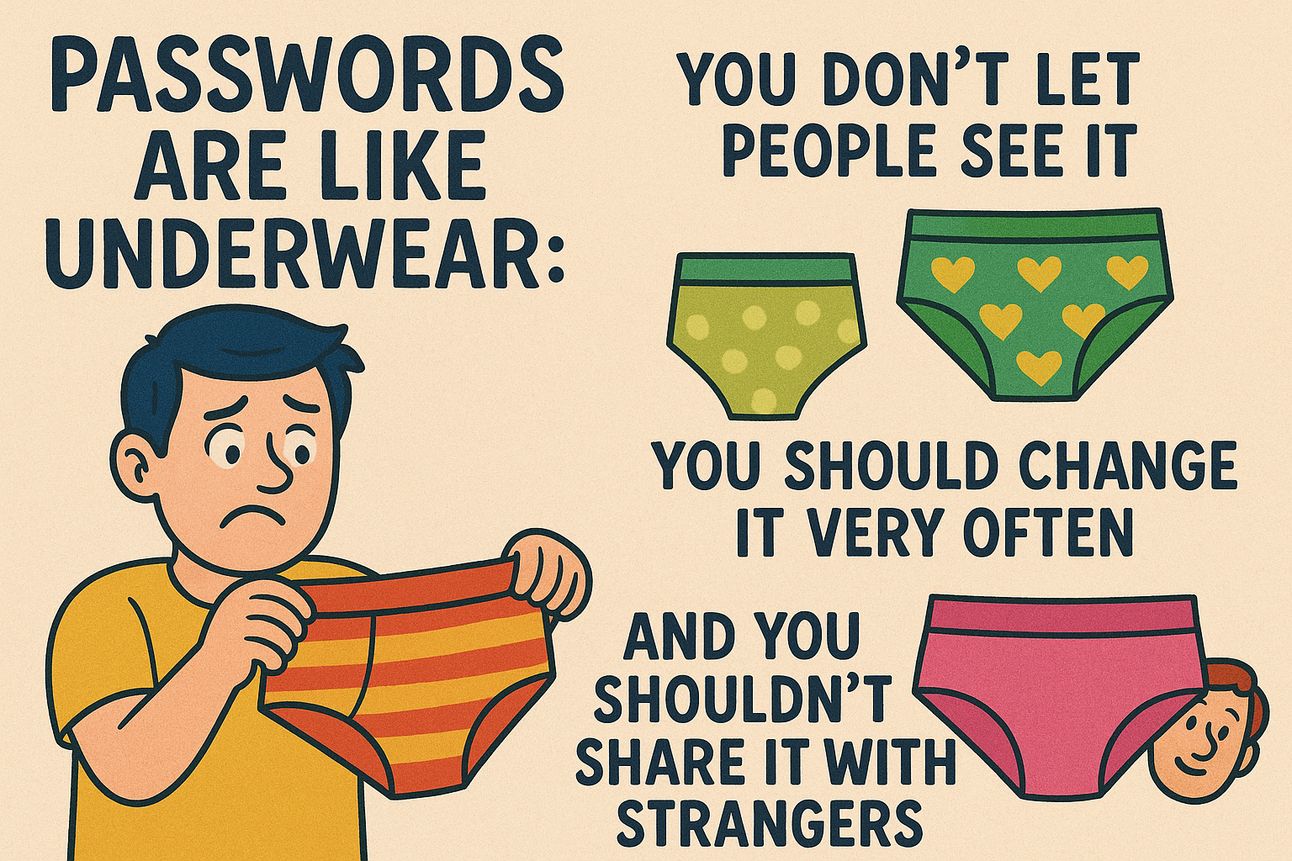
“Passwords are like underwear: you don’t let people see it, you should change it very often, and you shouldn’t share it with strangers”
— Clifford Stoll
In this issue:
Your password may have less than a month to live
How losing a phone can be more complicated than ever
Thanks for subscribing to Confirmed Achiever. Please share this with your friends so they can subscribe too!

Microsoft stops supporting passwords end of this month (and how to deal with it — same for Google and Apple)

For several years, Microsoft, Google, Facebook and others have been moving to more secure solutions to hackers breaking into accounts. You’ve already had to endure long passwords, those that include strange characters, and multifactor authentication.
The latest, and frankly the most secure, is passkeys, which eliminates passwords completely. And the day is here in which you may finally be forced to move to passkeys.
Instead of making you memorize (or store) long strings of characters which are stored on the other side of your transaction where they can be forged or stolen, passkeys use your device as the single source of truth saying that you are you. Whenever you try to get into your account, the account administrator checks your known device to get positive identification – almost like the second factor in so called 2FA (2 Factor identification), but skipping the first step.
Get ready to go passwordless
Perhaps you’ve been using passkeys already. Microsoft and Google have had them in place for a while for some users and Apple has jumped on board, supporting passkeys in its recently introduced Passwords App.
Effective Aug 1 – ONE MONTH FROM TODAY – Microsoft will no longer support passwords in its Authenticator App, effectively requiring you to move to passkeys.
During the upcoming month, you might notice that your Microsoft Authenticator app will stop autofilling your passwords, making it more difficult to use them as you drag your feet into the passwordless world.
Better not to wait
I’m imagining a lot of you waiting until last minute – then going bonkers because you suddenly have to change over and learn the new method at an inopportune time – like when you absolutely have to get into your account immediately; but can’t because you’re still password based and your authenticator doesn’t work.
Do yourself a favor – make the change now… or at least in early July, so you don’t have to put up with changing to passkeys under duress.
Here are a few resources that will help you:
Passkey FAQs (Microsoft)
How to go passwordless with your Microsoft account (Microsoft)
New user experience for consumer authentication (Microsoft)
Signing into Windows, MacOS, iOS, Android, Edge, Safari, or Chrome with a Passkey (Microsoft Support)
The simplest and most secure way to sign into your Google account (Google)
Google help with Passkeys (Google)
Use passkeys to sign in to websites and apps on iPhone (Apple iPhone Users Guide)
Passkeys (Apple Developer)
Oh yeah – just one more thing. It means that having your device with you is more important than ever. See the story below to find out what happens when you don’t.
Smarter Salesforce Usage Inside Outlook
Struggling to keep Salesforce up to date without drowning in manual entry? You’re not alone.
In this 5 minute video, you’ll discover how Confirmed for Outlook eliminates hours of CRM busywork by letting your team:
😀 Instantly log emails to Salesforce — without switching tabs or applications
😀 Capture leads and contacts from Outlook, Google, or past meetings in one click
😀 See upcoming meetings and contact details directly inside Outlook
😀 Cut manual data entry from hours per week to minutes
Whether you're in sales, ops, or IT, this video will show you how to boost productivity, improve data quality, and give your team time back to focus on closing more deals.
Time Management in the Age of A.I.
A workshop program for teams that helps them create their own customized methods of optimizing their time by combining the proven popular frameworks with customizations and new techniques like AI to get fabulous gains in their success.

This workshop grew out of a successful program first conducted for Executive MBAs at a prestigious university. It’s interactive – and from the comments we get from participants, it’s both fun and impactful:
"Such a great session! Very interesting on all the different styles of time management. I can't wait to start.”
"Amazing session. Totally loved it.”
"This session is essential in life.”
“You hit the nail on the head”
“The time flew by — so much info. When I noticed the time, the session was almost over”
The Hell of Losing Your Phone
A few weeks ago, a colleague of mine, on vacation in Hawaii, left his phone in an Uber. You might not realize how badly that complicates your life until it happens to you. For my friend…
He couldn’t get into his email account on his computer which was sitting in his hotel room – because it requires multifactor authentication – where he has to accept his login by approving it with his phone.
He couldn’t text his family back home because he didn’t have his phone and didn’t remember any of the cell numbers or email addresses because he depended heavily on his locked contact list.
He couldn’t call the Uber driver because the only way to track him down was with the app – and Uber requires the app to get to their customer support
After much trying and many iterations, he was finally able to get to Uber support who helped him track down the driver and called him to see whether he found the phone.
The driver’s response… I found it right after you got out of the car and was waiting for you to contact me.


Latest News and impactful releases:
The last word
Follow Confirmed on LinkedIn for more interesting business/technology stats, info and tips.
Your colleagues can subscriber here.
Get help from our team or find a great tool to achieve every day here.
Unsubscribe or change your profile at the bottom of this letter.
BTW – If you have a team, confirm a conversation here to explore how you can customize a skills-enhancement program that gives each person the topics and levels that are matched to their roles.
David